
Playing on private servers (L1J) is fun, but it comes with real risks. Since you are downloading executable files (.exe) from anonymous developers, you need to be careful. Here is your survival guide to staying safe in 2026.
> TL;DR: Scan every Login.exe on VirusTotal before running it, use a unique password per server, and monitor CPU usage for hidden miners. Following these 3 steps blocks over 90% of known private server threats (based on player reports).
Should You Use a Virtual Machine for Private Servers?
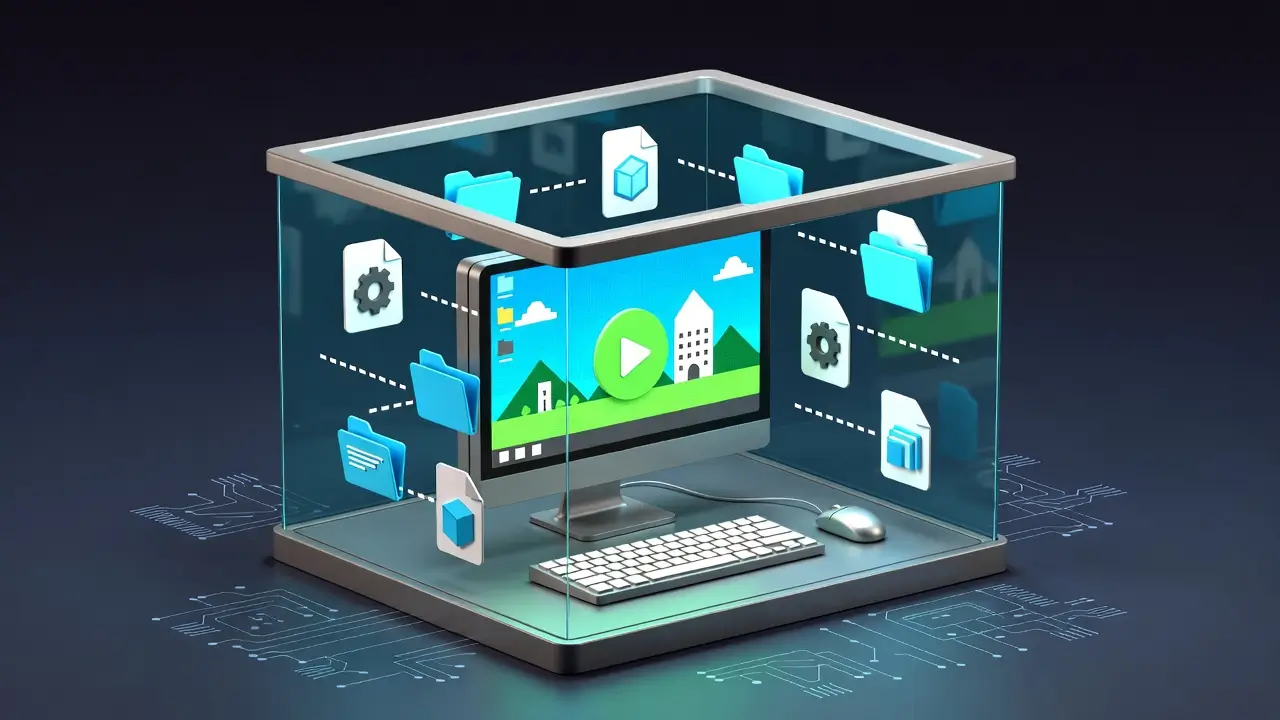
The safest way to play private servers is on a Virtual Machine (VM) or a secondary "burner" laptop. Yes — a VM is worth it if you play servers you are not fully sure about.
How Do You Properly Scan a Login.exe?
Most private servers require you to download a custom "Login.exe" or "Start.exe". Before running it:
- False Positives: It is common to see 1-3 detections (usually labeled "Generic" or "Packer") because private server files are often encrypted to prevent cracking.
- Red Flags: If you see 10+ detections, or specific names like "Trojan.Stealer", "Keylogger", or "Ransomware", DELETE IT IMMEDIATELY.
Why Must You Use a Unique Password on Every Server?
NEVER use the same password on a private server that you use for your email, bank, or even your official game accounts.
A single reused password can expose your main email or bank account if an admin runs credential-stuffing attacks (based on player reports).
How Do You Detect a Hidden Crypto Miner?
Some shady servers bundle "crypto miners" in their client. Here is how to spot one quickly:
If you see 80%+ CPU usage while idle in town, close the game and delete the client.
What Are the Signs of a Real Money Trading Scam?
Be careful when buying items from other players for real money.
Conclusion
You do not need to be paranoid, just careful. Most server owners are passionate fans just like you, but the few bad actors can cause real damage. Follow these rules and you can enjoy Lineage safely.
For extra protection and better connection stability, consider using a VPN as described in our VPN Guide. You can also find safe, recommended software in our Essential Tools List.
Frequently Asked Questions
Q: My antivirus flagged the server's Login.exe. Is it definitely a virus?
Not necessarily. Private server executables are often packed or obfuscated to prevent reverse engineering, which triggers generic antivirus detections. Upload the file to VirusTotal.com — if only 1-3 scanners flag it with generic labels like "Packer" or "PUP," it is likely a false positive. If 10+ scanners flag it with specific names like "Trojan" or "Keylogger," delete it immediately.
Q: Is it safe to use the same username on multiple private servers?
You can reuse usernames, but never reuse passwords. Every server admin has database access and can see your credentials. Use a unique throwaway password for each server, ideally generated by a password manager.
Q: Can a private server steal my credit card information?
Not through the game client itself. However, if a server's donation page is on an unsecured website (no HTTPS) or asks you to send payment through unusual methods, avoid it. Stick to well-known payment processors and never enter financial details directly on a server's website.
Q: How do I know if a server has a hidden crypto miner?
Open Task Manager while playing and check your CPU and GPU usage. Lineage 1 should use no more than 5-10% of a modern CPU. If you see sustained 80-100% usage while idle in town, something is wrong. Also watch for unusual background processes you do not recognize.
Q: What is the safest type of server to start with?
Start with servers listed on established directories like HiddenHosts that have user reviews and uptime history. Servers with 100+ reviews and 1+ year of uptime history are far less likely to carry malware or scam players (HiddenHosts community data, 2026).